Weekly SEO check
Google Search Console weekly review for a new tool site
For a new site, Search Console is easy to misuse. You open it too often, stare at one quiet page, and start changing things before Google has even had time to crawl properly.
Use this once a week. Ten minutes is enough. The goal is not to admire charts. The goal is to decide what to build next.
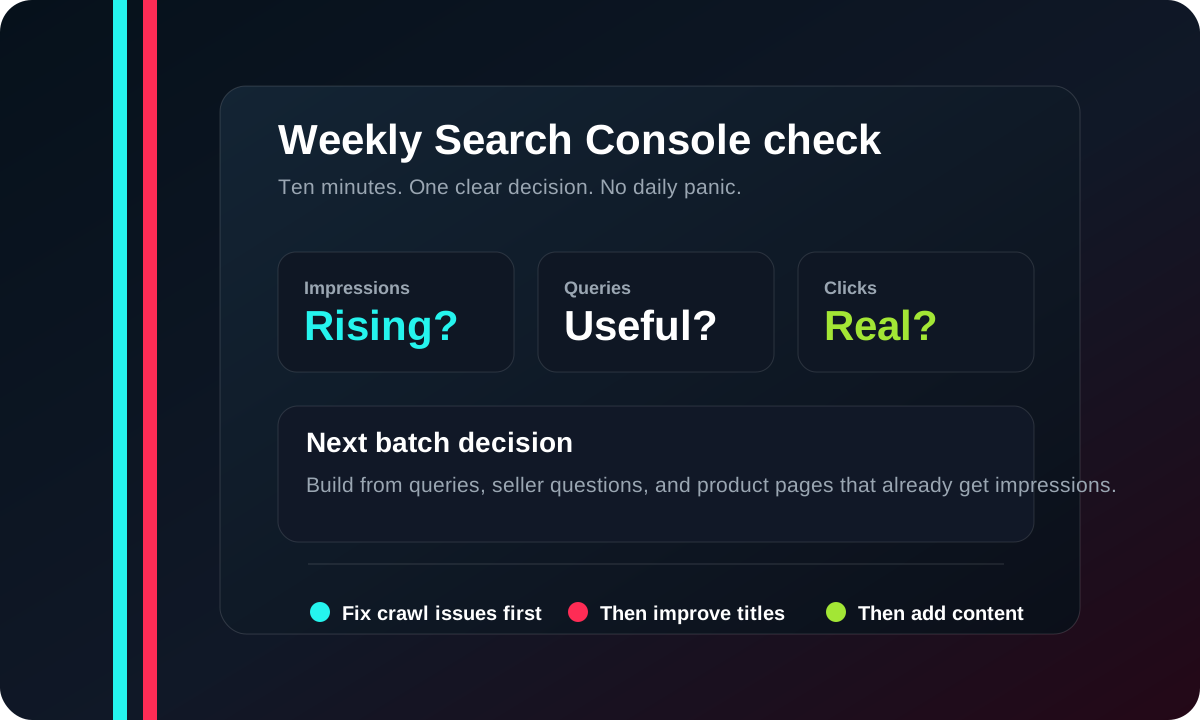
The weekly order
1. Check whether Google can see the site
Start with the sitemap and indexed pages. If the sitemap is read and key pages are discoverable, you are in the game. If not, fix crawling before writing more.
| Area | What to look for | What to do |
|---|---|---|
| Sitemap | Submitted and readable | Resubmit only after a real sitemap change. |
| Important pages | Calculator, examples, guides, starter sheet | Inspect a few priority URLs, not every page. |
| 404s | Broken internal links | Fix them before adding new content. |
2. Look for early query patterns
In the first weeks, impressions matter more than clicks. A page getting impressions for the wrong query may need a clearer title. A page getting impressions for the right query may just need time.
- Write down the top 10 queries by impressions.
- Mark which ones are calculator intent, product example intent, or basic learning intent.
- Turn repeated product queries into new example pages.
- Turn repeated beginner questions into short guide pages.
3. Do not overreact to CTR too early
Low CTR can mean the title is weak. It can also mean Google is testing the page in loose positions. Wait until the page has enough impressions to learn from.
| Signal | What it may mean | Move |
|---|---|---|
| Impressions, no clicks | The page is visible but not tempting enough yet. | Improve title and intro after enough data. |
| Clicks, low time on page | The page may not answer the query quickly. | Move the calculator or numbers higher. |
| One page growing | Google found a useful angle. | Create adjacent examples and link them together. |
4. Decide the next batch
Do not pick the next 20 pages by guessing. Pick them from queries, comments, and product questions. If people search for a product plus profit, margin, fees, shipping, ads, or commission, that is a good ShopROAS page candidate.
Weekly checklist
- Check sitemap status.
- Check top pages by impressions.
- Check top queries by impressions.
- Save 10 query ideas for the next content batch.
- Check whether calculator visits are growing.
- Check whether the $9 sheet page gets clicks from content pages.
When to test Google Ads
Run ads only after the free calculator page is clean on mobile, the page makes no income promises, and the tracking path is clear. The first test should stay small: $5 per day for 7 days, pointed at the calculator, not directly at checkout.
Source notes
References to check
The visual above is original to ShopROAS. These Google references explain the reports and checks mentioned on this page.
Use this to understand clicks, impressions, CTR, average position, pages, and queries.
Source: Google Sitemaps reportUse this to check whether Google can read the sitemap you submit.
Source: Google URL Inspection toolUse this for a few important pages, not as a daily panic button.
Source: Google Create helpful, reliable contentUse this before scaling thin pages that only chase keywords.