Seller fees
TikTok Shop seller fees: what beginners should put in the calculator
Seller fees are only one part of the order. A beginner can lose money even when the product cost looks low, because payment fees, creator commission, coupons, shipping subsidy, returns, and ads all arrive after the first simple margin check.
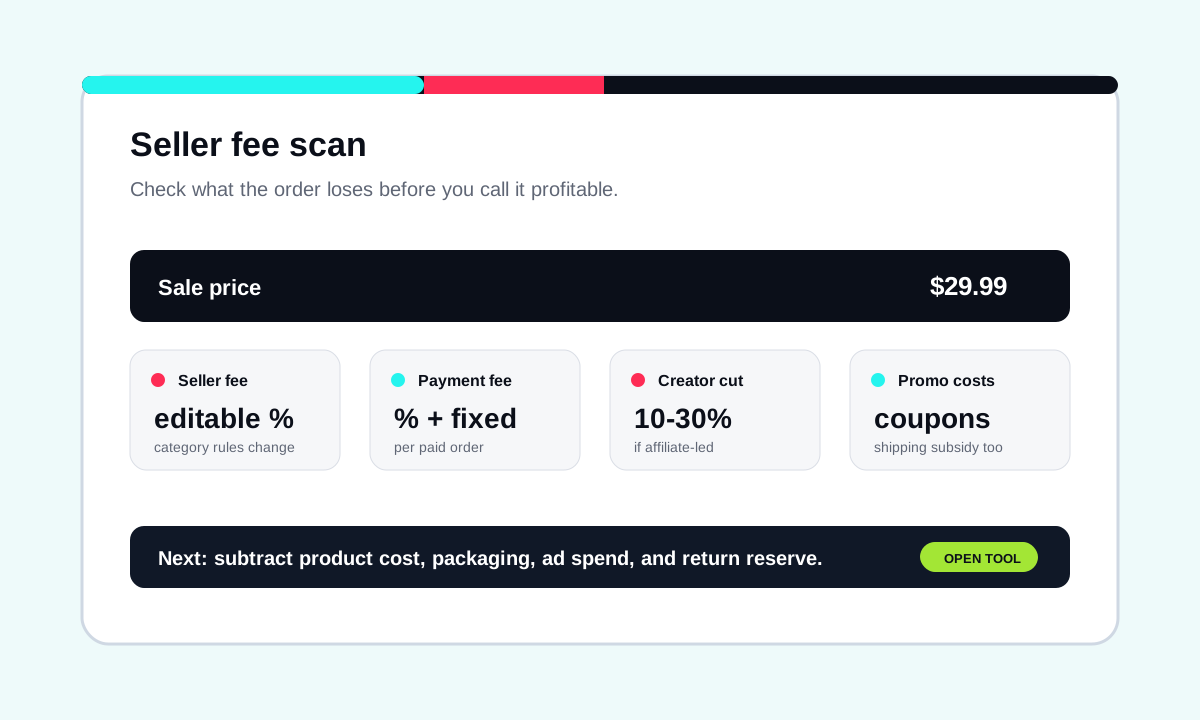
The fee stack to model
| Line item | What to enter | Beginner mistake |
|---|---|---|
| Seller fee | Current marketplace or category rate | Using an old rate from a post or video |
| Payment fee | Percent and fixed fee if applicable | Forgetting the fixed fee on low-ticket items |
| Creator commission | Affiliate percentage you plan to offer | Promising 20%-30% before checking margin |
| Coupons | Seller-funded discount per order | Treating coupon growth as free growth |
| Shipping subsidy | Any seller-funded shipping support | Hiding shipping inside the product story |
| Return reserve | Expected refund or replacement cost | Only looking at successful orders |
Simple seller-fee formula
This is not the final profit. After this, subtract landed product cost, packaging, ad spend, and return reserve. If the product is thin before those costs, it is usually a bad first test.
Use this workflow
| Step | Decision | Tool |
|---|---|---|
| 1 | Check seller fees and creator cut | Fees calculator |
| 2 | Add product cost, ads, and returns | Profit calculator |
| 3 | Track several ideas before samples | $9 starter sheet |
Sources to check before changing fee assumptions
Use official sources to confirm current seller rules. ShopROAS is the planning layer after you know which assumptions to test.
Use this before changing fee, category, or seller-rule assumptions.
Open sourceUse this when ad spend per order is part of the margin model.
Open sourceUse this when creator samples or paid affiliate content are involved.
Open source